How to activate the Mala GPS tracker
Step 2 of 5 — Getting started guide
How to activate the Mala GPS tracker?
We bet you can't wait to start tracking with Mala!
Below you'll find the simple activation process for Mala — from the first power-on to choosing your subscription. 🤓
First activation of the GPS tracker
1. Activating the Mala GPS tracker
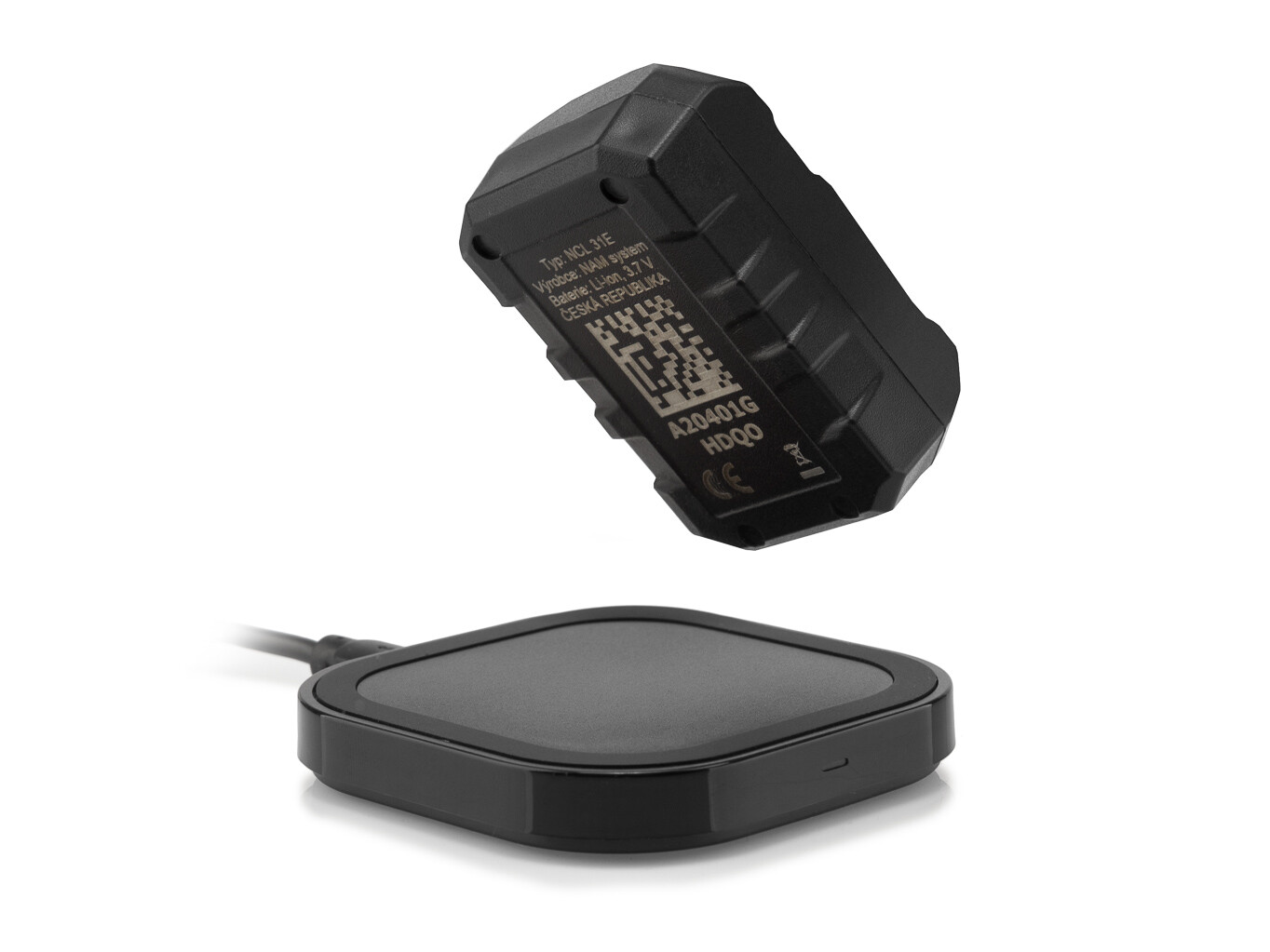
Remove the rubber mount from Mala and place it on the recharging mat for a few seconds — this brings the tracker to life! 🥳
2. First location fix
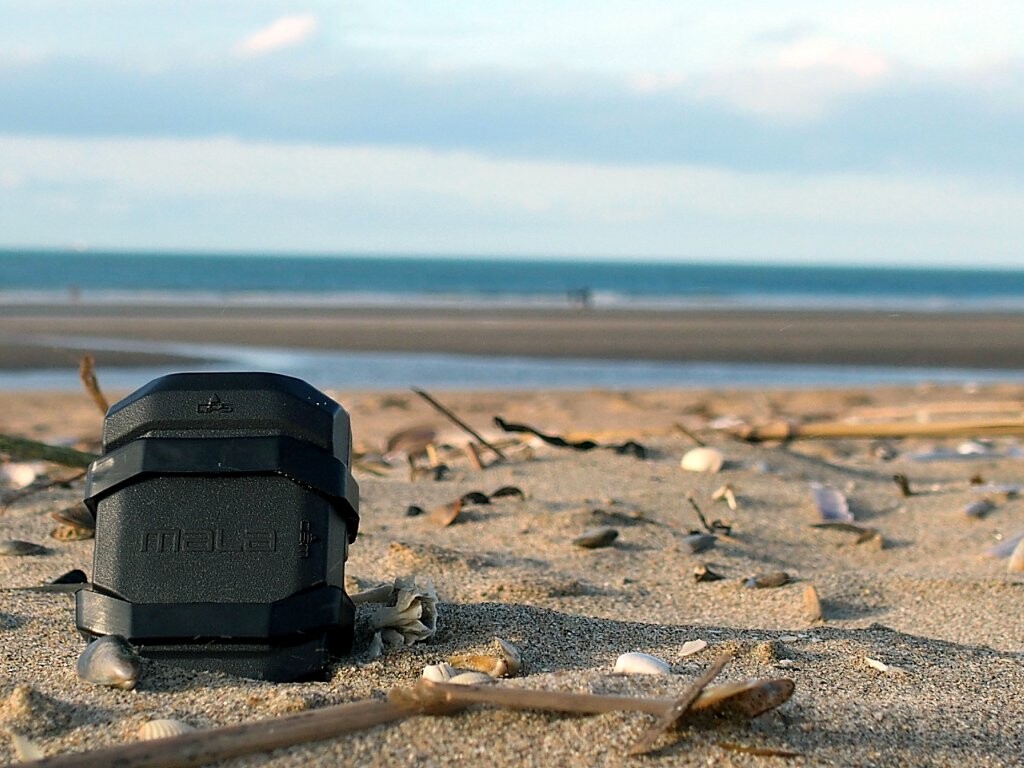
For the tracker to properly capture a GPS signal 🛰️, Mala needs a clear view of the sky. Place it outside, away from any building, for a few minutes.
Standard subscription
With a Standard subscription, the Mala GPS tracker works in the EU, the United Kingdom, Switzerland, Norway and Iceland. Map data is provided by Google Maps. Full list of Standard countries.
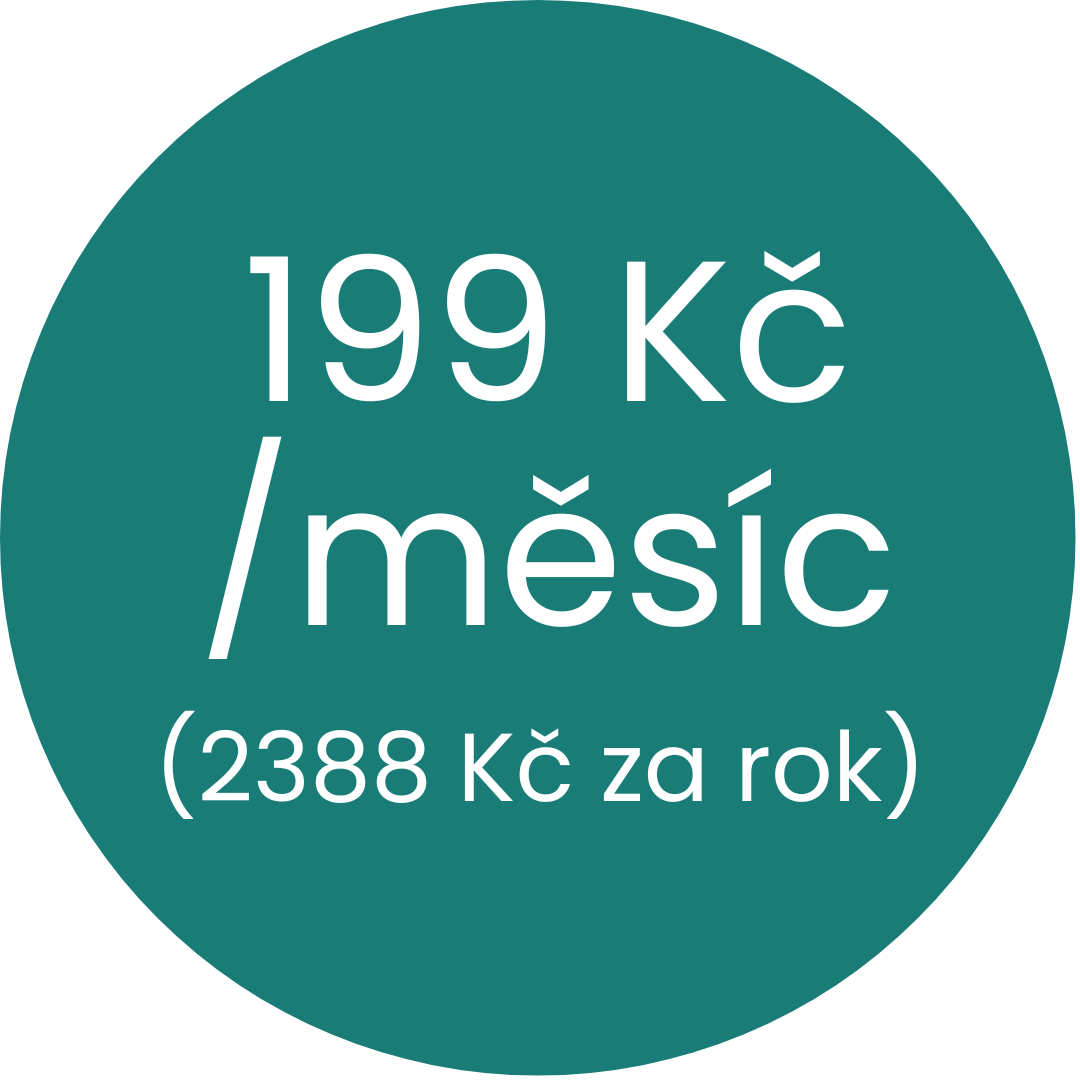
Monthly Standard subscription
A flexible option where you only pay for the months you actively use the GPS tracker. Payment is charged automatically every month. A great choice for occasional use.
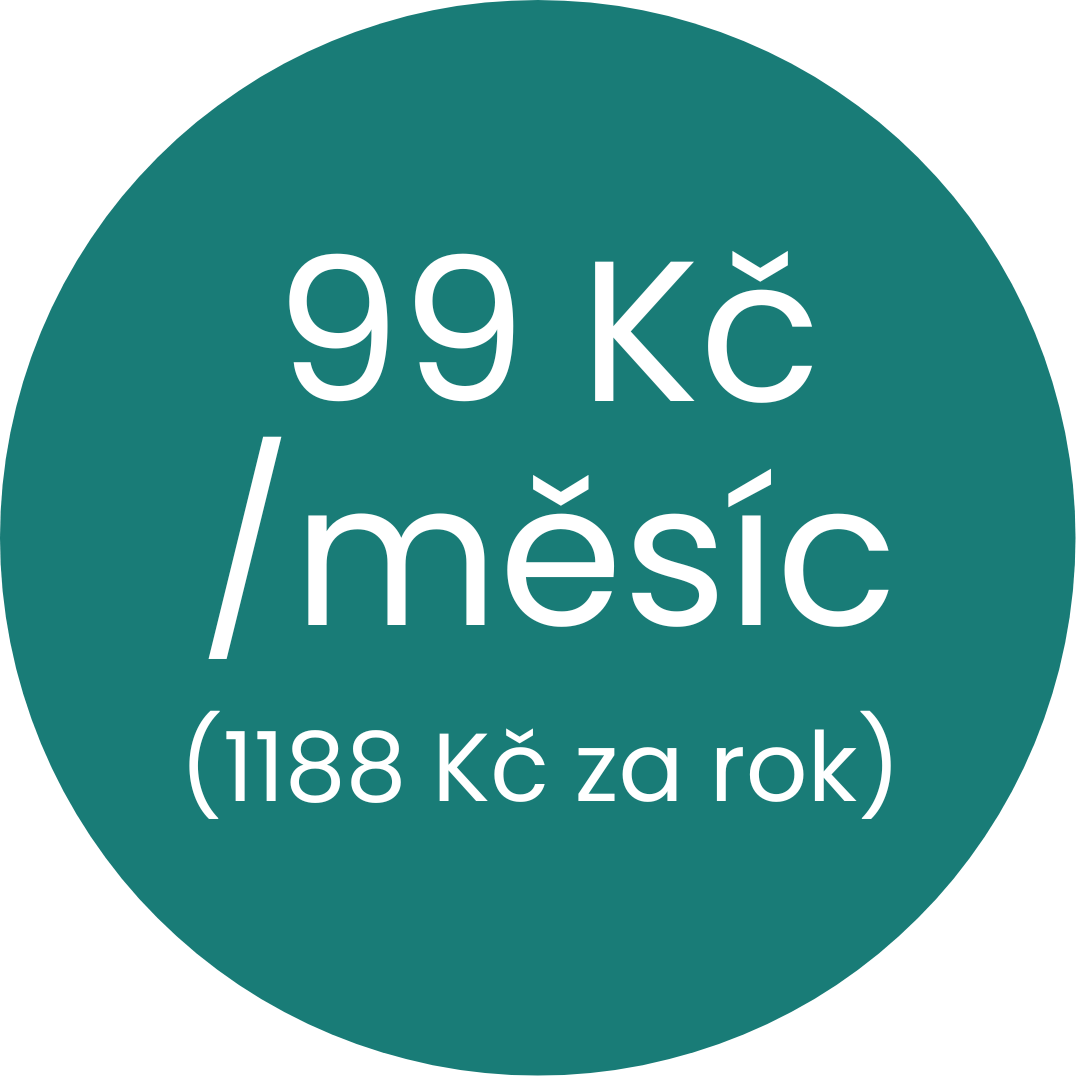
Annual Standard subscription
More cost-effective than the monthly option. Payment is charged once a year, and it just runs worry-free.
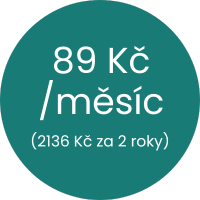
2-year Standard subscription
The best-value option. Payment is made once every two years — you save money and have peace of mind for a long time.
Premium subscription
The Mala GPS tracker with a Premium subscription works in 113 countries worldwide. Full list of Premium countries. An exclusive version with features other trackers don't offer. 🌍
- Map data from Mapy.com 🏆 (hiking, winter, and basic maps)
- Route export to GPX and KML
- Animated route player
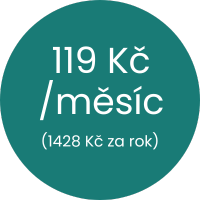
Annual Premium subscription
Premium features for 119 CZK/month. Payment is made annually. Ideal for hassle-free, comfortable use.
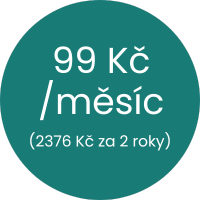
2-year Premium subscription
The best price-to-value ratio. Payment once every two years. Premium features at the lowest price.
🔎 Choose the best subscription for your Mala GPS tracker!
Whether you're looking for flexibility or the best price, we've got you covered. The Premium subscription unlocks Mala's full potential.
📌 Summary — what to remember
- You activate the tracker by placing it on the recharging mat — a few seconds is all it takes.
- For the first GPS signal fix, place the tracker outside for a few minutes with a clear view of the sky.
- With a Standard subscription, the Mala GPS tracker covers the EU, the UK, Switzerland, Norway and Iceland — Premium works in 113 countries worldwide.
- You can pay for the subscription monthly, annually, or for 2 years — the longer the term, the better the price.
- Premium also adds extended coverage in 113 countries worldwide, map data from Mapy.com, route export, and an animated route player.
❓ Frequently asked questions
- How do I turn on the Mala GPS tracker?
- Place the tracker on the recharging mat for a few seconds — this activates it.
- Why isn't the tracker showing my location?
- The tracker needs a clear view of the sky — place it outside for a few minutes and it will pick up the signal.
- What's the difference between the Standard and Premium subscription?
- Standard covers the EU and neighbouring countries, with maps from Google. Premium works in 113 countries worldwide and additionally adds map data from Mapy.com, route export to GPX and KML, and an animated route player.
- Can I cancel the subscription at any time?
- Yes, you can cancel your subscription directly in the app, under Menu → My account → Subscription.
- What's included in the free 30 days?
- After registering the tracker, you get 30 days free with full access to the Premium plan.
Step 2 of 5 — Getting started guide
Next article
What can the Mala GPS app do?
Have a question? We're here for you!

Email: info@malagps.cz
Address: U Pošty 1163/13, 735 64 Havířov – Prostřední Suchá, Czech Republic
Stay connected with us on social media too


