My first steps after buying Mala GPS tracker
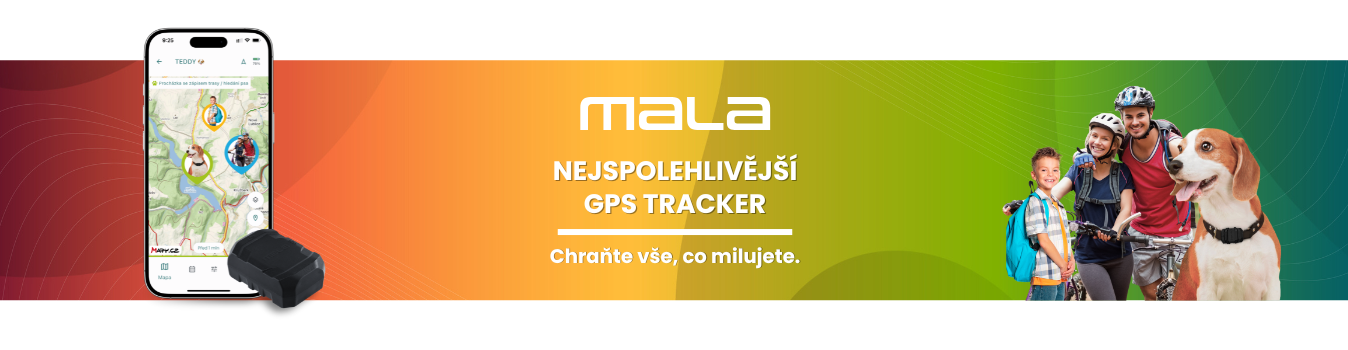
My first steps after buying the Mala GPS tracker
With the Mala GPS tracker, you'll always have a reliable companion for your travels and adventures close at hand.
Tracking your routes and activities with Mala is a great way to make sure that you, your loved ones, or your property are safe and always on the right track. If you have any questions or ideas, don't hesitate to contact us.
We're here for you, and we look forward to hearing your stories and experiences with the Mala GPS tracker! 🛰️
Your first steps before Mala arrives
1. Download the Mala GPS mobile app
Available for both Android and iOS. Just search for "Mala GPS".
2. Create an account in the app
The app account is separate — it is not used to log in to our online store.
3. Add your GPS tracker
In the app, scan the code from the tracker, or enter the number and code manually.
4. Authorize your payment card
To manage your subscription, verify your card through our secure payment gateway (a so-called "zero-value transaction"). Learn more about how secure subscription payments work in the Mala GPS app.
5. Enjoy 30 days free and choose your subscription
The tracker works in 113 countries worldwide. You can pay monthly, annually, or for 2 years at a discount — you'll find an overview of all options on the subscription page.
Charging the Mala GPS tracker
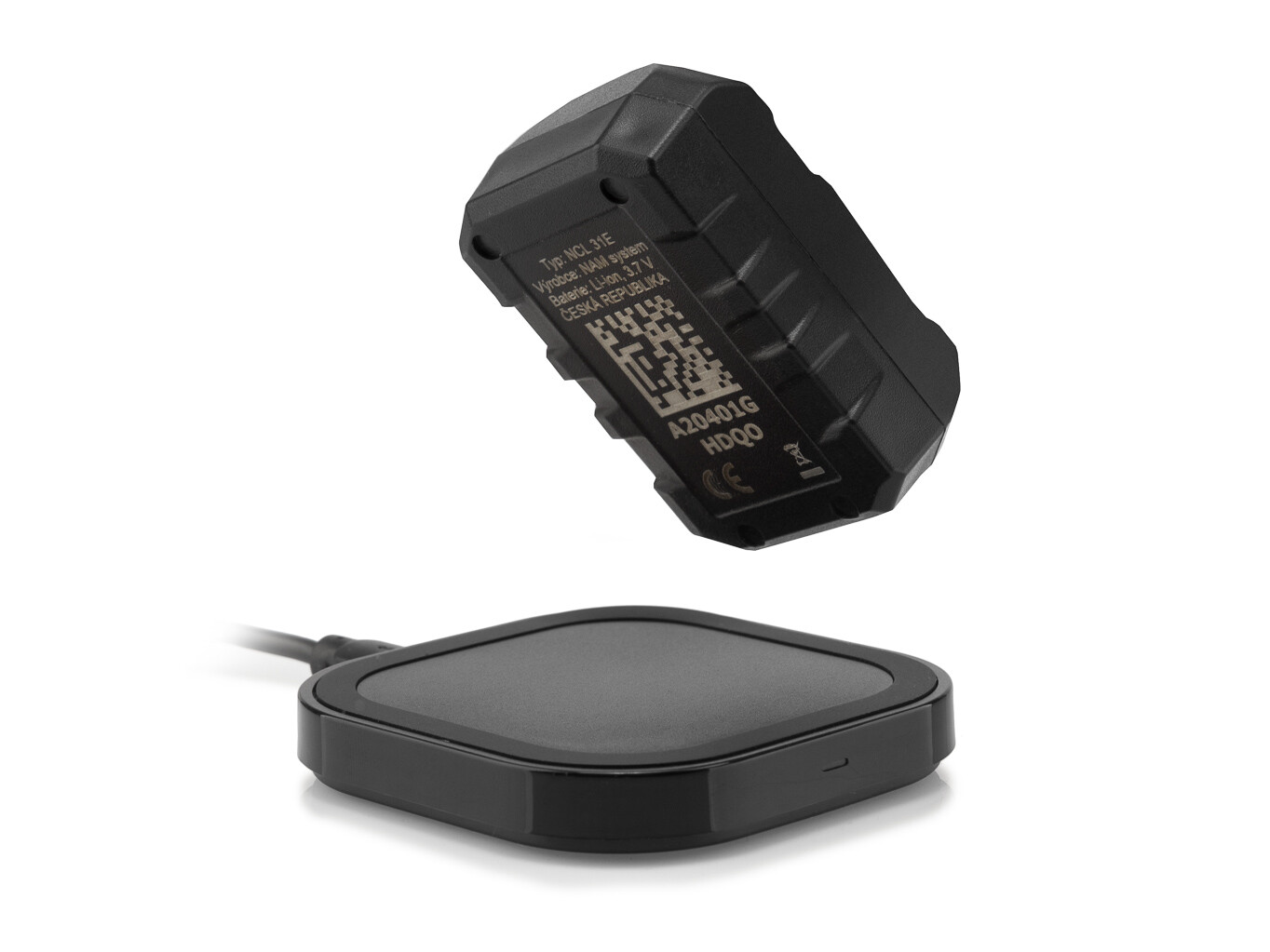
How to charge the tracker?
Mala charges wirelessly — simply place it on the recharging mat. The recharging mat is also used for the device's initial activation.
📌 Summary — what to remember
- Before your tracker is delivered, download the Mala GPS app and create an account.
- You activate the GPS tracker by placing it on the recharging mat — it won't turn on without it.
- Mala charges wirelessly (Qi wireless charging) — no connectors, no cables to plug into the device, just place the tracker on the recharging mat.
- During activation, you choose the Premium or Standard plan and the subscription period — monthly, annual, or two-year. The first 30 days are always free on the Premium plan. During this trial period, you can change your plan and subscription period at any time.
- The tracker's coverage depends on the plan you choose — Standard covers the EU and neighbouring countries, Premium works in 113 countries worldwide.
❓ Frequently asked questions
- How do I activate the Mala GPS tracker?
- Place the tracker on the recharging mat for a few seconds — this brings it to life.
- Is the app account the same as my online store account?
- No, it is a separate account. The account in the Mala GPS app is used exclusively to manage your tracker and subscription.
- Where does the Mala GPS tracker work?
- It depends on the plan you choose. With the Standard subscription, it works in the EU, the United Kingdom, Switzerland, Norway and Iceland. With the Premium subscription, it works in 113 countries worldwide. During the 30-day trial period, the Premium plan is automatically available to you.
- How long is the subscription free?
- The first 30 days after registering the tracker in the app are free.
- How do I add the tracker to the app?
- Scan the QR code on the tracker, or enter the number and code manually directly in the app.
Have a question? We're here for you!
Email: info@malagps.cz
Address: U Pošty 1163/13
735 64 Havířov – Prostřední Suchá, Czech Republic
Stay connected with us on social media too


